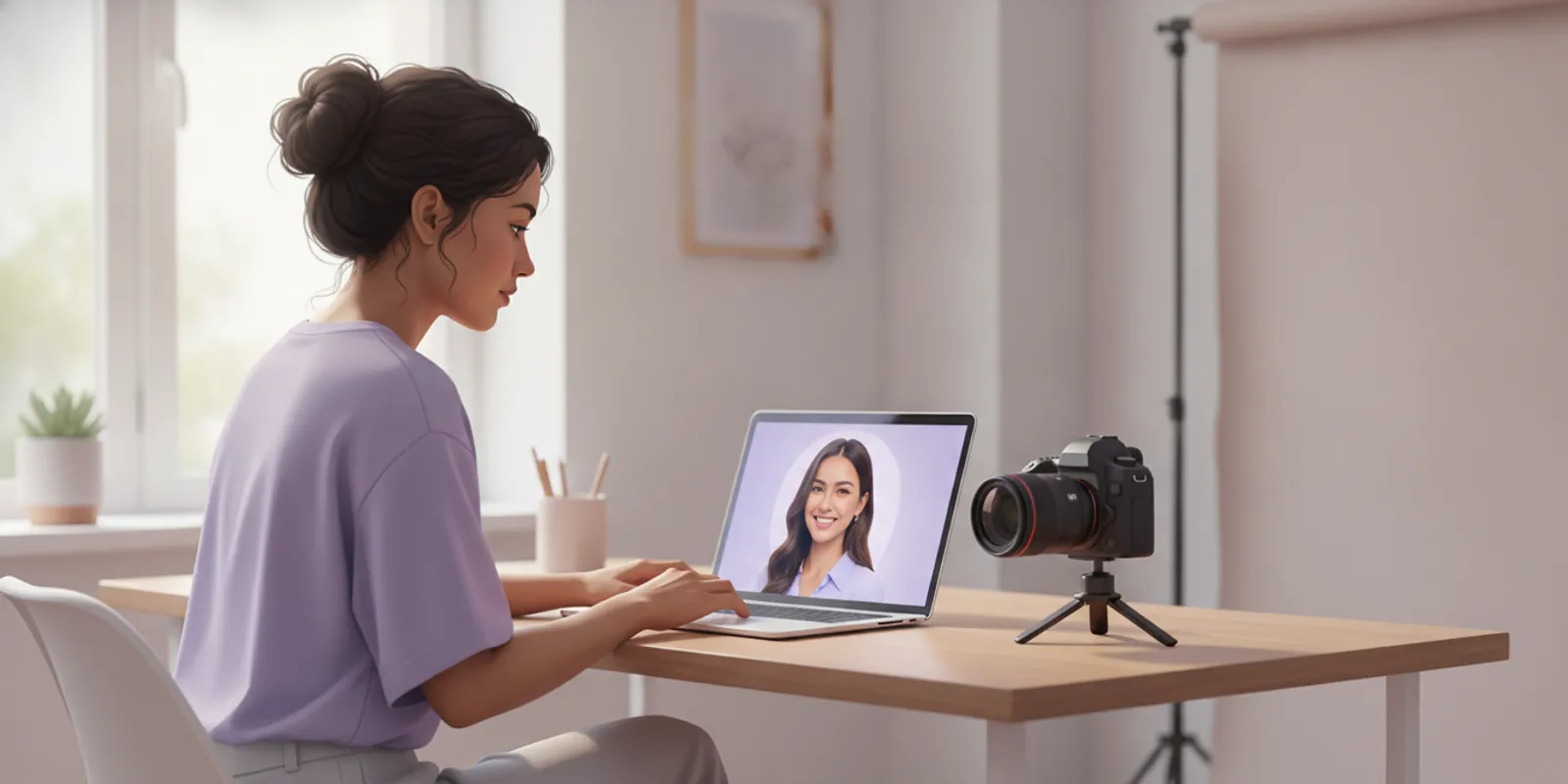
AI tools for professional headshots can help create a polished portrait without arranging a conventional photo session, but results vary in likeness, control, and setup. The right test is whether an image still looks like you, fits its intended setting, and can be created under terms and review steps you accept.
Which AI headshot tools fit each situation?
Three approaches are worth separating: a dedicated headshot service, a general image editing or generation tool, and a photographer. The named AI option in the myAImatch Vault is Aragon. Consider it a candidate to test rather than an automatic recommendation. Evaluate its current features, terms, input requirements, output quality, and price directly with the provider.
General tools can provide more hands-on control over framing or background, but may require more prompting and careful review. A photographer offers human direction and a real session, which can matter when the setting or exact likeness is central. The comparison below sets out the trade-offs before you start.
| Option | Useful when | Setup and control | Check before use |
|---|---|---|---|
| Aragon, dedicated headshot service | You want a set of professional-style portraits from submitted photos | Purpose-built flow; customization varies | Likeness, input rules, retention terms, current price, and review options |
| General editor or image tool | You need a particular crop, lighting adjustment, or background treatment | More prompting and manual judgment may be needed | Face accuracy, artifacts, and whether the edits suit your use |
| Photographer | You need real surroundings, pose direction, or an exact session | Human guidance; scheduling required | Portfolio, deliverables, usage rights, and logistics |
What benchmark makes a comparison fair?
Use the same criteria for every option. Before uploading anything, decide where the image will appear and what must remain true to your appearance. This prevents a striking but inaccurate result from winning simply because it looks polished.
- Likeness: Can people who know you recognize you? Check face shape, hair, glasses, skin tone, and other defining details.
- Professional fit: Does the clothing, expression, crop, and background suit the role and audience?
- Consistency: Do several outputs still look like the same person, or does each image change important features?
- Control: Can you make the adjustments you need without repeated trial and error?
- Practicality: Count the time spent selecting inputs, reviewing results, correcting defects, and exporting a usable file.
- Acceptable handling: Are the submission, storage, deletion, reuse, and rights terms clear enough for you?
For a useful comparison, take notes rather than relying on memory. A simple five-point scale can help: rate each criterion, then add a short reason. Do not let an average hide a deal-breaker. For example, a high score for speed does not compensate for a portrait that changes your appearance or violates your image-handling limits.
Which option fits your situation?
This situation matrix narrows the first option to test. It is a starting point, not a promise about any provider's capabilities.
| Your situation | Start with | Reason and trade-off |
|---|---|---|
| You need a consistent profile image for a business bio | Test a dedicated service such as Aragon | It is oriented toward portrait outputs; review the full set for faithful likeness. |
| You already have a good photo and need a crop or cleaner background | Try restrained editing first | A modest adjustment may preserve identity better than generating a new portrait. |
| You need a real office, workplace, or outdoor setting | Use an existing real photo or consider a photographer | A generated setting should not be mistaken for a real place or session. |
| A team needs a coherent set of portraits | Run a voluntary, small pilot with a dedicated service | Shared style helps only if every person's image remains recognizable and acceptable. |
| Exact identity or direction is essential | Use an existing photo or photographer | Human direction and actual surroundings may matter more than speed. |
| You cannot accept a service's image terms | Do not upload; use a local edit, existing photo, or photographer | Convenience is not a reason to accept unclear or unsuitable handling. |
How does Aragon compare with general editing?
Aragon: evaluate the dedicated portrait flow
Look at the whole process, not just its most flattering sample. Check what source images it asks for, which styles or adjustments it currently offers, how results are reviewed, and what happens to uploaded files. Review several outputs side by side. If the same facial features shift substantially between images, treat that as a warning for a professional profile.
Do not assume a specific output count, turnaround, editing control, cost, or deletion policy from a general description. Confirm these details in the provider's current terms and interface. You can inspect the Aragon tool listing as one part of your research.
General editing: make small changes deliberately
An editor may be enough when the underlying portrait is already suitable. Start with reversible adjustments such as crop, exposure, or background cleanup. Keep the original file and compare it directly with the edited version. If software changes facial details, inspect eyes, teeth, hairline, glasses, and skin texture at normal viewing size as well as close up.
Ask what the edit communicates. A neutral background change is different from making a portrait appear to show a real workplace or event that never took place. Avoid using a plausible-looking image to imply a credential, location, or experience that is not accurate.
Photographer: prioritize direction and real context
A photographer is not an AI tool, but belongs in the comparison because the underlying need may be a professional portrait rather than generated imagery. A person can help with posture, expression, lighting, and a real location. A session takes coordination, so compare the time and deliverables with the value of having a directed, authentic setting.
What should you check before submitting an image?
A headshot is personal data in an ordinary, practical sense: it is an image of you. Before submitting it, read the service's current privacy and image-use terms. Look for how long files are kept, whether they may be reused or used for model training, whether others receive them, how deletion works, and what rights you grant. If an answer is unclear or unacceptable, pause rather than upload.
- Submit only photos you have permission to use and that meet the provider's stated requirements.
- Avoid including other people, private documents, badges, or confidential workplace details.
- Use only the minimum number of images needed for a meaningful test.
- Do not submit identity documents or unrelated personal photos to a portrait workflow.
- Keep the source image and record which output you approved.
- Review the platform's and employer's applicable rules before publishing an altered image.
These are sensible review steps, not a substitute for reading the specific vendor's policy. The U.S. Federal Trade Commission's guidance on privacy and security for businesses explains that organizations should consider data practices and safeguards; for your own submission, the practical takeaway is to understand what information you are sharing and with whom. Do not treat a general privacy page as proof that a particular portrait service meets your requirements.
How can you run a limited pilot?
- Define the use. Write down whether the image is for a profile, company bio, speaker page, or another context. Note the audience and any required dimensions.
- Set a likeness boundary. List the traits that must not change. Decide in advance which edits are acceptable and which make an image unusable.
- Check terms and access. Review current submission, storage, deletion, reuse, rights, account, and payment information before uploading.
- Choose one primary option. Test Aragon if a dedicated portrait workflow seems appropriate. Add a second approach only if it helps answer a real question, such as whether restrained editing is enough.
- Use comparable inputs. Select recent, clear photos you are allowed to submit. Avoid changing several variables at once, or it will be harder to tell what affected the result.
- Review a set, not a favorite. Compare multiple results for identity, artifacts, professional fit, and consistency. Keep a record of corrections and time spent.
- Get a second opinion. Ask someone who knows you to flag images that look unlike you, and someone familiar with the intended audience to assess the professional tone.
- Make a use decision. Confirm that the final image is accurate enough for its context and permitted by relevant terms and policies. If not, use another route.
For a small team, agree on the requirements before anyone uploads a photo. Make participation voluntary, use a limited pilot, and assess each person's result individually. A single visual style should not become a reason to publish portraits that employees do not recognize or approve. If no one can explain how submitted photos are handled, do not expand the test.
How can you find other relevant tools?
Start with visible, named options and their specific use cases before requesting a broader match. The AI Tool Vault is the place to browse software listings, while the free MAI assessment asks three questions and selects from a hand-reviewed tool collection. The assessment is an additional discovery route, not a replacement for checking vendor features, policies, and fit yourself.
When browsing, write down the job you need done rather than searching only for a broad label. For example, separate creating a portrait from editing an existing image, and separate a consistent team-photo style from a real environmental portrait. Then review each named listing and vendor's own current details. You can also explore AI tools by role or the AI services overview if your question is part of a wider work process.
If you need to discuss your broader workflow, the contact page is available. For a structured look at a tool choice, see the AI Strategy Roadmap; its scope and current terms should be reviewed directly before deciding whether it fits.
Frequently asked questions
Are AI-generated professional headshots realistic?
Some may look realistic, but fidelity varies by service, inputs, and settings. Inspect each output for identity shifts and visual defects; a polished appearance alone does not establish accuracy.
Can I use an AI headshot on a professional profile?
Check the profile platform's current rules, your employer's policies, and the service's terms. Also consider whether the image could give viewers a misleading impression of your appearance or setting.
Is Aragon right for every headshot?
No. It is a relevant dedicated service to evaluate when you want portrait outputs from submitted photos. Editing or a photographer may better fit a need for limited corrections, real surroundings, or direct human guidance.
What if the result does not look like me?
Do not publish it as your professional portrait. Try another permitted input only if the workflow and terms make sense, or use an existing image or a photographer instead.
Discuss your AI tool requirements
Start with the portrait requirement, not the tool
Set your likeness standard, intended setting, privacy limits, and acceptable editing level before comparing options. A small, well-reviewed test can show whether a dedicated service, modest edit, or real photo session is the more practical fit.