AI Tools for Teachers: A Practical Guide
Compare AI tools for teachers by classroom job, from lesson planning to feedback and administration, with a safer way to choose your first tool.
Free newsletter
Get The Daily Match
AI news in plain English, plus one thing to try today. Free, Monday and Friday.
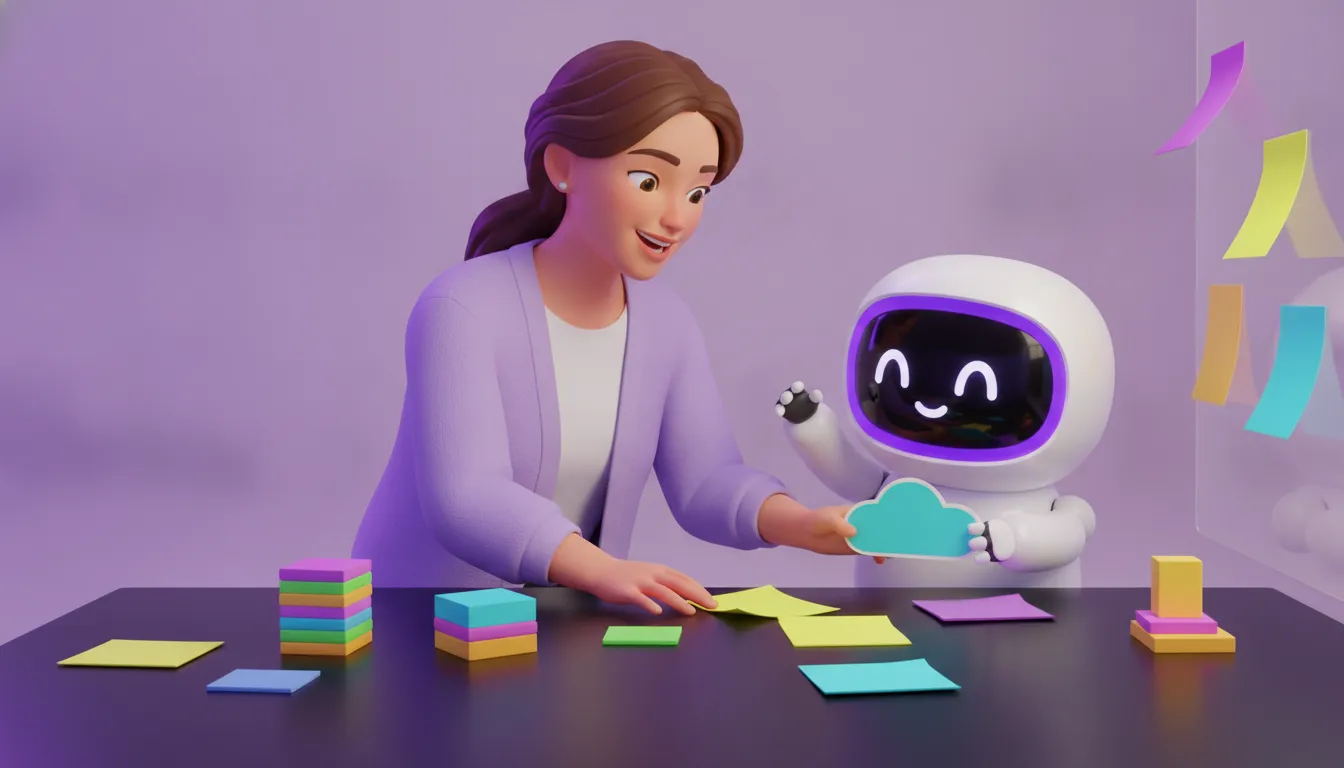
Teachers rarely need another long software list. They need a dependable way to turn a real classroom task, such as adapting a lesson. Reviewing drafts, or preparing routine updates, into a manageable workflow without handing over professional judgment.
The best AI tools for teachers fit a specific job, make their inputs and limits clear, and leave the teacher in control of review and final decisions. Start with low-risk work, check school or district policy and vendor data handling, and test whether the output genuinely saves effort without weakening the learning goal.
AI can support instruction, personalized learning, assessment, analytics, and administrative tasks, but those categories describe capabilities rather than a recommendation for your classroom. The useful question is how well a tool fits your students, subject, workflow, and safeguards. That is the starting point for separating impressive features from practical classroom value.
Want a shorter path to a relevant shortlist? Start the free MAI assessment and answer three questions about your work.
What Makes an AI Tool Useful for Teachers?
The most useful AI tools for teachers fit a specific job in an existing workflow. A planning tool should help you move from a learning objective to workable materials. A feedback tool should support review without taking ownership of the teacher's judgment. An administration tool should reduce repetitive preparation while leaving important decisions with a person.
That is why a role-based shortlist is more useful than a generic list of popular AI apps. A broad list may name dozens of products, but it rarely tells you which one fits your subject, age group, task, input constraints, or review process. Start with the job. You may need three differentiated practice activities, a first pass on rubric-aligned feedback, or a parent update from your notes. Then compare tools against that real need.
- Workflow fit: Does the tool support the task you actually repeat, or does it create extra cleanup?
- Teacher control: Can you inspect, edit, and reject the output before it reaches students or families?
- Input boundaries: Can you use it without entering student-identifying information, grades, or work that your school policy restricts?
- Practical risk: What could go wrong if the output is inaccurate, biased, off-level, or misleading?
For a structured way to think about risk, the NIST AI Risk Management Framework offers a useful reference point. You do not need to turn every classroom experiment into a compliance project. You do need a habit of checking the tool, its inputs, its output, and who remains accountable.
If you want help narrowing the starting point, the free MAI assessment uses three questions to suggest options from the myAImatch AI Tool Vault. Treat the result as a shortlist for review, not a substitute for your professional judgment or your school's policy.
AI Tools for Teachers by Classroom Job
The most useful starting point is the work you need to improve, not a long list of popular apps. A planning tool, an assessment tool, and an administrative assistant may all use AI, but they require different inputs and different levels of teacher review. The examples below are a practical starting point, not a complete catalog or an endorsement of every named product.
| Classroom job | Useful capability | Review question | Internal example |
|---|---|---|---|
| Lesson planning | Generate starting points for activities, explanations, practice resources, or discussion prompts. | Does the output match the learning objective, subject, age group, and lesson time? | Use a tool profile such as AI-powered differentiated classroom materials as one option to investigate. |
| Differentiation | Adapt readings, tasks, or supporting materials for varied levels and learning needs. | Does the adaptation preserve the concept while keeping the language and challenge appropriate? | Compare the generated version with the original before sharing it with students. |
| Assessment and practice | Create draft questions, quizzes, glossaries, or activities from approved instructional material. | Are the questions accurate, aligned to what students should know, and varied enough to reveal understanding? | AI-generated quizzes and learning activities are one catalog example to review. |
| Feedback | Suggest formative comments, identify patterns in drafts, or organize feedback against a rubric. | Is the feedback specific and constructive, and has a teacher checked it before it reaches a student? | Use the tool for a draft, then apply your own professional judgment. |
| Classroom administration | Prepare routine summaries, communication drafts, or repetitive planning notes. | Can the task be completed without exposing student-identifying information or sensitive records? | Check school or district policy and the vendor's data handling before entering any student data. |
These categories overlap. A single platform may support several jobs, while a specialized tool may be better for one narrow workflow. Before adopting anything, test a representative task, verify the output, and confirm that the tool's data practices fit your institution's requirements.
How Should Teachers Evaluate an AI Tool?
A promising demo is not enough. Before adding one of the many AI tools for teachers to your routine. Test whether it solves a defined problem without creating more review work or exposing information your school has not approved. Use this sequence for each candidate.
- Define the task. Write down the specific job, such as creating practice questions, adapting reading material, drafting feedback, or summarizing routine notes. Decide what a useful result would look like and what the tool should never decide for you.
- Inspect the inputs. List the material the tool needs and remove unnecessary student identifiers, grades, or identifiable work. If the task depends on individual student data, pause and check your school or district policy before uploading anything.
- Test the output. Use a small, representative example. Check facts, accessibility, reading level, bias, alignment with your objective, and whether the result is actually usable in your classroom. AI can generate assessment items and formative feedback, but generation is not quality control. Teacher review remains required before anything reaches students.
- Check policy and data handling. Read the vendor's current privacy and data-use information. Ask whether inputs are retained, used for model improvement, exportable, or deletable. Compare those answers with your institution's rules rather than assuming a tool is approved because it is popular.
- Assign ownership. Decide who reviews the output, corrects errors, communicates limitations, and handles a parent or student question. A tool may speed up preparation, but responsibility for the instructional decision stays with the educator.
- Confirm export and cleanup. Before committing to a workflow, check whether you can retrieve useful work in a practical format and remove drafts or account data when needed. Keep only the materials your policy permits you to retain.
The NIST AI Risk Management Framework can provide a useful risk-aware reference point, not a compliance guarantee. Treat evaluation as an ongoing classroom practice: verify the tool after updates, policy changes, or a shift in how you use it.
Where Can AI Help With Lesson Planning?
AI can shorten the distance between a teaching goal and a workable first draft. Start by asking it to brainstorm objectives, essential questions, examples, or several ways to introduce a difficult concept. You still decide which ideas fit your curriculum, students, available time, and classroom context.
Turn one objective into several learning paths
Once the objective is clear, AI can help adapt a reading, explanation, or activity for different levels of background knowledge and reading ability. It can suggest scaffolds, vocabulary support, extension questions, or alternate practice formats. Research summaries from the Institute of Education Sciences describe AI uses that include customized curriculum support and personalized learning pathways. But those capabilities do not remove the need for teacher judgment.
For a practical example, AI-powered differentiated classroom materials can help you explore variations on a source or lesson idea. Treat the output as a draft: check accuracy, tone, reading level, cultural fit, and alignment with the actual objective before sharing it with students.
Build activities and checks before class
AI can propose warm-ups, guided practice, discussion prompts, exit tickets, and short assessment items. The IES resource sheet notes that AI systems have been used to generate practice resources and assessment items. That makes them useful for expanding your options, not for deciding what counts as mastery.
Review every question for ambiguity, factual errors, unintended difficulty, and answer quality. Avoid entering identifiable student information, grades, or student work until you have checked your school or district policy and the vendor's data-handling practices. A sound planning workflow is simple: define the learning goal, request a draft, revise it yourself, and test it against the students who will use it.
How Can Teachers Use AI for Student Feedback?
AI can help a teacher prepare feedback, but it should not become the final judge of a student's work. A safer workflow treats the output as a draft or pattern check that the teacher must inspect, revise, and personalize before sharing.
Start with the rubric, not the tool
Give the system a clear task: identify where a response does or does not meet specific rubric criteria, suggest questions for revision, or flag a recurring misconception. Keep the rubric and assignment goals in view. Research from the Institute of Education Sciences describes AI uses that include automated scoring and formative feedback. But that does not establish that every tool will assess your students accurately. Review the evidence and limits of AI-supported assessment before relying on a feature.
Review tone, accuracy, and context
Read every suggested comment for factual errors, unfair assumptions, and language that sounds vague or discouraging. Compare it with the student's actual work and your rubric. Then rewrite it in your own classroom voice, preserving the specific next step a student can act on. A tool such as NOLEJ for AI-generated quizzes and learning activities may be relevant when you are building practice or assessment materials, but a profile or feature list is not a substitute for teacher review.
Protect student information
Before pasting work into any service, check your school or district policy and the vendor's current data-handling terms. Avoid entering names, grades, identifiable writing, or other personal details unless your institution has approved that use. Privacy checks are practical safeguards, not legal guarantees. If the workflow makes review harder or obscures who owns the final feedback, stop and choose a simpler process.
Which Classroom Administration Tasks Are Good AI Candidates?
The best candidates are repetitive, low-risk tasks where a teacher can quickly inspect the result. Think routine drafting, not autonomous decision-making. An AI tool might help turn rough notes into a parent-update draft, summarize a meeting agenda. Organize a checklist for a field trip, or prepare repeated directions in a clearer format.
Preparation is another useful boundary. A teacher could use a tool to turn an existing document into draft review questions, a glossary, or a short sequence of learning activities. For example, AI-generated quizzes and learning activities can be relevant when the underlying material is already selected and the teacher remains responsible for checking accuracy, level, and classroom fit.
Good candidates share a few traits
- Repetitive: The task follows a recognizable pattern, such as formatting, sorting, or first-draft writing.
- Reviewable: You can check the output against the original information before anyone else sees it.
- Reversible: A mistake creates rework, not an irreversible consequence for a student or family.
- Low in sensitive data: You can complete the task without entering identifiable student information, grades, or private work.
Keep judgment-heavy work teacher-owned. That includes deciding whether a student is ready for a new level, interpreting behavior. Communicating sensitive concerns, assigning consequential grades, and responding to a family situation that requires context. AI can help structure notes or surface questions, but it should not make those decisions for you.
This human-ownership boundary reflects the broader education landscape: administrative and logistical tasks are one recognized category of education AI use. While UNESCO emphasizes human agency and teacher rights in its AI competency framework for teachers. Before choosing a tool, compare its fit with the workflow in the AI Tool Vault, then check your school's policy and the vendor's data-handling practices.
A Safer First Pilot for Your Classroom
The best way to test an AI tool is to give it one bounded classroom job, not your entire workflow. Choose a repeatable task such as generating practice prompts, creating a first-pass lesson outline, or organizing routine notes. Keep the teacher's decision-making and final edit in the process.
Use a small, reviewable test
- Define the quality check. Decide what a useful result must include before you open the tool. For a practice activity, that might mean alignment with the objective, appropriate reading level, accurate content, and clear directions.
- Start with non-sensitive inputs. Use a fictional class profile or a generic lesson topic. Do not enter student names, grades, identifiable work, or other personal information until you have checked your school or district policy and the vendor's data handling.
- Record teacher observations. Note where the output saves time, where it needs correction, and which prompts or settings produce a more useful result. A tool that creates more review work than it removes may not be a good fit for that task.
Set stop conditions before you begin
Pause the pilot if the tool produces repeated factual errors, unsuitable language, biased assumptions, unclear data practices, or content that cannot be checked efficiently. Also stop if the workflow encourages skipping the teacher review required before student-facing use. AI-supported assessment can provide formative feedback, but generated outputs still need professional judgment and context. Education research summaries describe these uses as support for instruction and assessment, not a replacement for educators.
At the end, choose one of three paths: keep the tool for this task, adjust the workflow and test again, or drop it. If you want help narrowing the starting options before running your pilot, the free MAI assessment can create a personalized shortlist from the myAImatch AI Tool Vault.
If you are still comparing options, use the myAImatch AI Tool Vault to explore relevant profiles, then verify each tool against your school's policy and your classroom workflow.
Frequently Asked Questions
What are the best AI tools for teachers?
The best option depends on the job you need to improve. Start with a specific workflow, such as lesson planning, differentiated materials, feedback, assessment, or routine administration. Then compare how well a tool fits your inputs, review process, privacy requirements, and export needs instead of choosing from a generic list.
Are there free AI tools for teachers?
Some tools offer free access, trials, or limited features, but availability and terms can change. Check what the current free tier includes, whether it supports your classroom workflow, and how it handles uploaded information. A free tool is not automatically the safest or most useful choice.
Which AI tools for teachers help create lesson plans?
Planning tools can help brainstorm activities, adapt materials, create practice resources, or organize a lesson sequence. Review every generated plan for curriculum alignment, age appropriateness, accuracy, accessibility, and classroom context before using it with students.
How can teachers use AI to give students feedback?
AI can help organize draft feedback, suggest questions, or compare work with a rubric. Keep the teacher in the review loop, confirm that comments reflect the assignment criteria, and revise the tone before sharing. Check school or district policy before entering student work or identifiable information.
How should teachers evaluate AI tools for classroom use?
Test one low-risk task first. Check the quality of the output, the information the tool requires, its data-handling terms, policy fit, editing controls, and whether you can export or delete your work. Keep final instructional and assessment decisions with a teacher.
Ready to Find Your Best-Fit AI Tools?
Teaching workflows vary, so the most useful starting point depends on whether you need support with planning, feedback, classroom administration, or another recurring task. If you want a tailored shortlist instead of another broad tools list, Claim Your Free AI Match through the MAI assessment. Answer three questions about your work, then use the recommendations as a starting point for careful review against your classroom needs and school policies.
You might also like
Free newsletter
Get The Daily Match
AI news in plain English, plus one thing to try today. Free, Monday and Friday.